- Published on
Ruby3 + Rails7 + MariaDB10のDocker環境を構築する
- Authors

- Name
- nisyuu (にしゅう)
- @nishilyuu
技術スタック
- Ruby 3.2
- Rails 7.0.4.3
- MariaDB 10.11
- Docker
事前準備
Rubyはrbenvなどでインストールすることをお勧めします。
Rails環境用のディレクトリを作成し、ディレクトリ内でGemfileとGemfile.lockを作成してください。 作成したGemfileには、こちらの設定を入れておきます。
source "https://rubygems.org"
gem "rails", "~> 7.0.4", ">= 7.0.4.3"
entrypoint.shの作成
#!/bin/bash
set -e
rm -f /kissa/tmp/pids/server.pid
exec "$@"
Dockerfile
Dockerfileには、こちらの設定を記載します。
FROM ruby:3.2

RUN mkdir /app
WORKDIR /app
COPY Gemfile /app/Gemfile
COPY Gemfile.lock /app/Gemfile.lock
RUN bundle install --gemfile /app/Gemfile
COPY . /app

COPY entrypoint.sh /usr/bin/
RUN chmod +x /usr/bin/entrypoint.sh
ENTRYPOINT ["entrypoint.sh"]
EXPOSE 3000

CMD ["rails", "server", "-b", "0.0.0.0"]
docker-compose.yml
docker-compose.ymlファイルには、下記の設定を入れておきます。
version: '3'
services:
  db:
    image: mariadb:10.11
    environment:
      MYSQL_ROOT_PASSWORD: password
    ports:
      - '3306:3306'
    volumes:
      - ./db_data:/var/lib/mysql

  web:
    build: .
    command: bash -c "rm -f tmp/pids/server.pid && bundle exec rails s -p 3000 -b '0.0.0.0'"
    volumes:
      - .:/app
    ports:
      - '3000:3000'
    depends_on:
      - db

volumes:
  db_data:
Railsアプリケーションを構築
docker-compose run --rm web rails new . --force --no-deps --database=mysql
実行後、Railsアプリケーションのディレクトリやファイルが生成されているはずです。
イメージをビルド
docker-compose build
DB構築
DBを構築するためには、config/database.ymlでデータベースの設定をします。 設定する箇所はhostとpasswordの項目です。 config/database.ymlはRailsアプリ生成時に作られているため、上書きしてかまいません。
# MySQL. Versions 5.5.8 and up are supported.
#
# Install the MySQL driver
#   gem install mysql2
#
# Ensure the MySQL gem is defined in your Gemfile
#   gem "mysql2"
#
# And be sure to use new-style password hashing:
#   https://dev.mysql.com/doc/refman/5.7/en/password-hashing.html
#
default: &default
  adapter: mysql2
  encoding: utf8mb4
  pool: <%= ENV.fetch("RAILS_MAX_THREADS") { 5 } %>
  username: root
  password:
  host: localhost

development:
  <<: *default
  database: app_development
  password: password
  host: db

# Warning: The database defined as "test" will be erased and
# re-generated from your development database when you run "rake".
# Do not set this db to the same as development or production.
test:
  <<: *default
  database: app_test
  password: password
  host: db

# As with config/credentials.yml, you never want to store sensitive information,
# like your database password, in your source code. If your source code is
# ever seen by anyone, they now have access to your database.
#
# Instead, provide the password or a full connection URL as an environment
# variable when you boot the app. For example:
#
#   DATABASE_URL="mysql2://myuser:mypass@localhost/somedatabase"
#
# If the connection URL is provided in the special DATABASE_URL environment
# variable, Rails will automatically merge its configuration values on top of
# the values provided in this file. Alternatively, you can specify a connection
# URL environment variable explicitly:
#
#   production:
#     url: <%= ENV["MY_APP_DATABASE_URL"] %>
#
# Read https://guides.rubyonrails.org/configuring.html#configuring-a-database
# for a full overview on how database connection configuration can be specified.
#
# production:
#   <<: *default
#   database: ******
#   username: ******
#   password: <%= ENV["KISSA_DATABASE_PASSWORD"] %>
設定後、こちらのコマンドを実行するとDBが構築できます。
docker-compose run web rails db:create
Railsアプリケーションを起動
Dockerの準備ができたところで、Railsアプリケーションを起動させます。 こちらのコマンドを実行後、localhost:3000にアクセスしてください。
docker-compose up
アクセス後、このような画面が出てくると起動成功です。
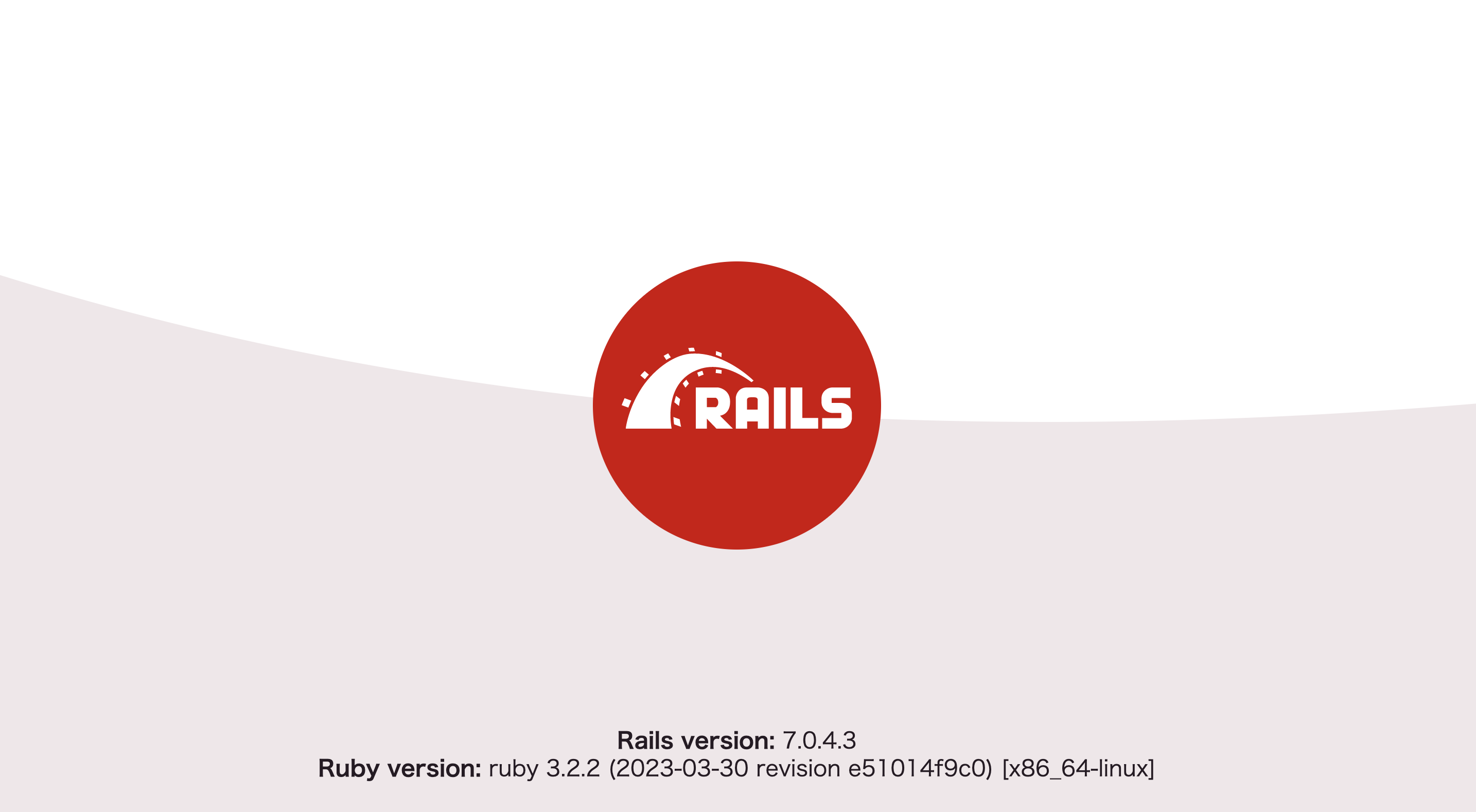
以上でDockerにRuby3 + Rails7 + MariaDB10の環境が構築できました。 おつかれさまです。